
Low Latency Remote Desktop for the Web
Features
Ultra-Low Latency
Powered by WebRTC for high-performance streaming with fallbacks to WebCodecs and WebSockets.
Docker Powered
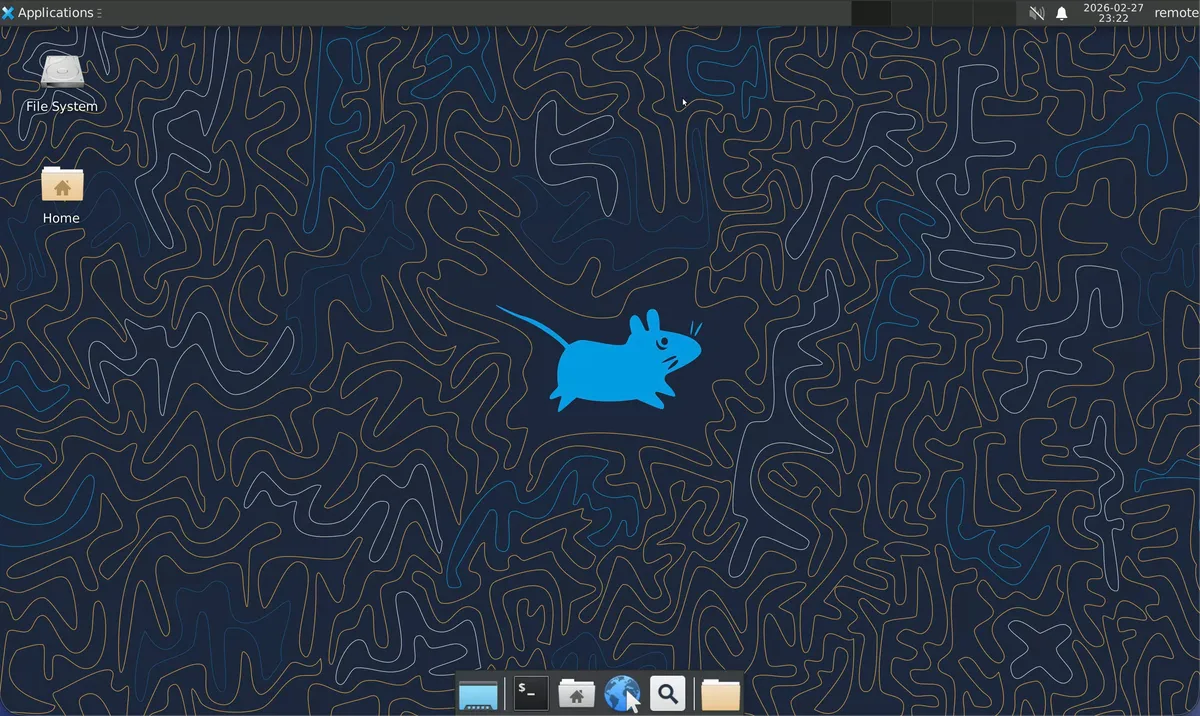
Runs a full Ubuntu 24.04 and XFCE4 desktop inside a reproducible Docker container.
Zero Client
No client software required. Access your desktop through any modern web browser.
Full Customization
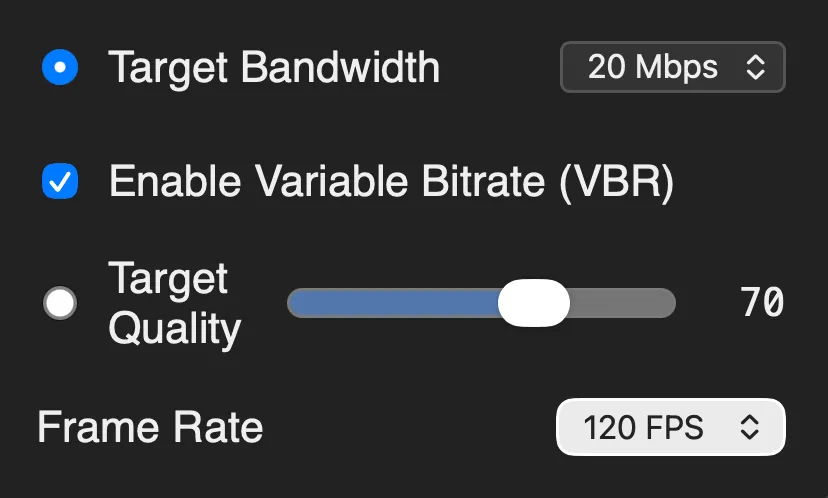
Adjust FPS, bitrate, and quality on the fly directly from the web viewer panel.
Multi-Codec & GPU Encoding
Stream efficiently with AV1, VP8, and H.264. Leverage NVENC hardware acceleration for ultra-fast, zero-lag encoding.
Smart Bandwidth Control
Save massive amounts of data with Variable Bitrate (VBR) and automatic duplicate frame dropping when idle.
Powerful Interface
Everything you need to control and monitor your remote experience.
Configuration Panel
Fine-tune your experience on the fly with comprehensive video and stream controls directly from your browser. Adjust bitrate, frame rate, and codecs with a single click.
Live Metrics Monitoring
Stay informed with real-time performance data. Monitor bandwidth usage, frame rates, resolution, and latency to ensure the best possible streaming experience.

Quick Start
Get LLrdc running on your machine in seconds.
# 1. Clone the repositorygit clone https://github.com/danchitnis/LLrdc.gitcd LLrdc
# 2. Build the Docker image./docker-build.sh
# 3. Start the container./docker-run.sh
# If you have an NVIDIA GPU and the NVIDIA Container Toolkit installed,# you can enable hardware acceleration (H.264/AV1 NVENC):# ./docker-run.sh --gpu
# 4. Open http://localhost:8080